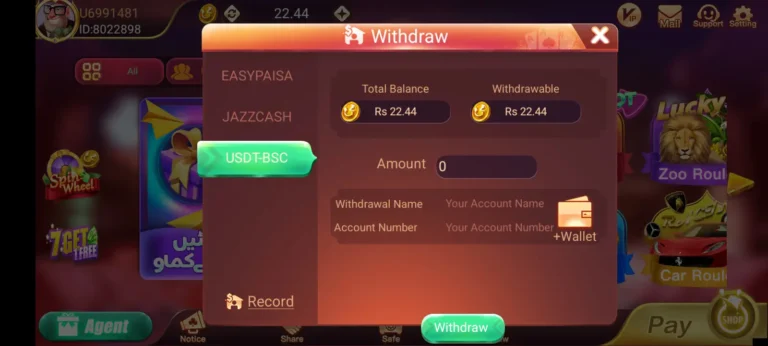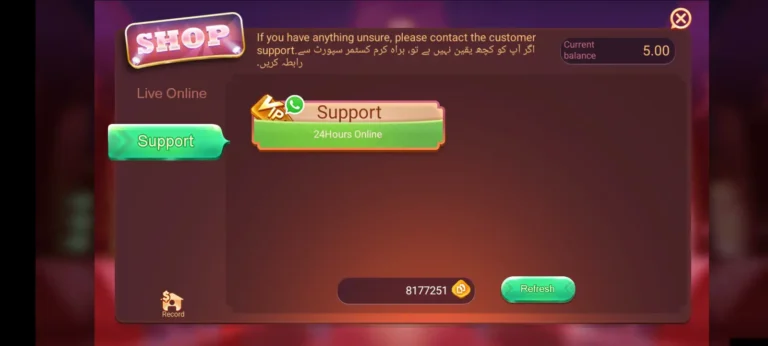
How to Add Money in Fly Chess Pro Account
Fly Chess Pro keeps its cash tables locked until your account holds real balance. Funding happens through two Pakistani mobile wallets, JazzCash and EasyPaisa. This guide walks through wallet preparation, each payment screen, arrival times, amount caps, bonus conditions, reading your payment history, solving failed transfers, and guarding your funds.

Cash Balance vs Bonus Balance
Your Fly Chess Pro wallet splits into two parts.
| Balance Type | Source | Withdrawable? |
|---|---|---|
| Cash | Your own top-ups and winnings | Yes |
| Bonus | Promotions, check-ins, first top-up offer | Only after meeting play-through terms |
Knowing this split matters. Many players think their whole balance can be cashed out, then find the bonus part frozen.
Prepare Your Mobile Wallet
Skipping this stage causes most failed payments.
JazzCash
- Register through the JazzCash app or by dialing *786#
- Set a 4- or 5-digit MPIN
- Load funds at a JazzCash shop or from a bank account
EasyPaisa
- Register through the EasyPaisa app or by dialing *786# on Telenor
- Create your MPIN
- Fund the wallet at a retailer or through bank transfer
Both wallets require a CNIC-registered SIM. The name on that SIM becomes your wallet name, and it should match the name on your Fly Chess Pro profile.
Payment Walkthrough
Screen 1: Lobby
Sign in to Fly Chess Pro. Your balance sits in the top bar. Press the green Add Cash or + icon next to it.
Screen 2: Amount
Preset tiles show common figures. Tap one, or type a custom figure in the box below. Bonus offers tied to specific amounts appear as tags on the tiles.
Screen 3: Wallet Choice
Two buttons appear: JazzCash and EasyPaisa. Select the one holding your funds.
Screen 4: Wallet Number
Key in the mobile number registered to that wallet. Recheck all 11 digits.
Screen 5: Confirmation
Press Pay Now. Fly Chess Pro sends a payment request to your wallet.
Screen 6: Approval
Depending on your wallet, approval comes as:
- A USSD pop-up asking for your MPIN
- A push alert inside the JazzCash or EasyPaisa app
- An SMS OTP
Enter the code within two minutes, before the request times out.
Screen 7: Success
Head back to the Fly Chess Pro lobby. Your new balance shows within minutes, and your wallet sends an SMS carrying a transaction ID. Screenshot that SMS.
Arrival Times
| Wallet | Normal Arrival | Slow Periods |
|---|---|---|
| JazzCash | 1–5 minutes | Up to 30 minutes on Friday nights and Eid |
| EasyPaisa | 1–5 minutes | Up to 30 minutes on Friday nights and Eid |
Network traffic peaks during late evenings and holidays, which stretches processing time.
Amount Caps and Charges
In-app caps: Fly Chess Pro displays its smallest and largest accepted figures right after you pick a wallet. Figures outside that range get rejected.
Wallet caps: JazzCash and EasyPaisa limit how much leaves your wallet per day and per month. Those caps grow once your wallet is upgraded with biometric verification.
Charges: Fly Chess Pro takes no fee on top-ups. Your wallet may deduct its own transfer charge, listed in its tariff section.
First Top-Up Offer
Your opening payment triggers bonus chips on top of your cash. Before accepting, read three terms under the offer banner:
- Play-through figure: How much you must bet before bonus chips convert to cash
- Expiry: Days you have to meet that figure
- Eligible games: Some games count less, or not at all, toward the figure
Reading Your Payment History
Open Profile → Transaction Record (or Add Cash → History). Each entry lists:
| Field | Meaning |
|---|---|
| Order ID | Fly Chess Pro’s own reference number |
| Amount | Figure you paid |
| Wallet | JazzCash or EasyPaisa |
| Time | Exact moment of request |
| Status | Success, Pending, or Failed |
Match the Order ID and your wallet SMS when raising a complaint.
Failed or Missing Payments
| What You See | Cause | Remedy |
|---|---|---|
| Wallet debited, Fly Chess Pro balance flat | Sync lag between wallet and game server | Wait 20 minutes, close and reopen the app |
| Status shows Failed, wallet untouched | Request timed out before approval | Retry and approve faster |
| Status shows Failed, wallet debited | Reversal in progress | Funds return to your wallet within 24–72 hours |
| Pay Now button greyed out | Figure outside allowed range | Adjust the amount |
| Approval prompt never arrived | SIM missing or weak signal | Insert wallet SIM, move to stronger coverage |
| Pending for over an hour | Manual check needed | Contact in-app support with Order ID and transaction ID |
Never send a second payment while one shows Pending. Duplicate requests often freeze together.
Contacting Support About a Payment
Open Help or the headset icon in Fly Chess Pro. Send:
- Your player ID
- Order ID from Transaction Record
- Wallet transaction ID from the SMS
- Amount and time of payment
- Screenshot of the wallet SMS
Guarding Your Funds
- Pay through the Add Cash screen only. Fly Chess Pro never collects top-ups through WhatsApp, Telegram, or personal numbers.
- Keep your MPIN private. No genuine support agent asks for it.
- Test small first. Load PKR 200–500, then complete one withdrawal before trusting the app with larger sums.
- Fix a monthly ceiling. Write down your limit and stop once you reach it.
- Know the legal position. Pakistani law restricts real-money gaming, and Fly Chess Pro holds no local license. Stuck funds have no court route.
FAQs
How long does a Fly Chess Pro top-up take?
JazzCash and EasyPaisa payments reach your account in 1 to 5 minutes, stretching to 30 minutes at peak hours.
Why can’t I withdraw my full balance after topping up?
Part of your balance is bonus chips. They convert to cash only after you meet the play-through figure.
Can I pay using someone else’s wallet?
Use a wallet in your own name. A name mismatch blocks withdrawals.
Final Words
Funding Fly Chess Pro starts with a ready wallet and a matching name. Press Add Cash, pick your figure, approve the request with your MPIN, and save the SMS. Check Transaction Record for every payment, and set a spending ceiling before each session.